Business Value
Users will no longer get frozen or stuck if Excel Import returns an error message.
Feature Details
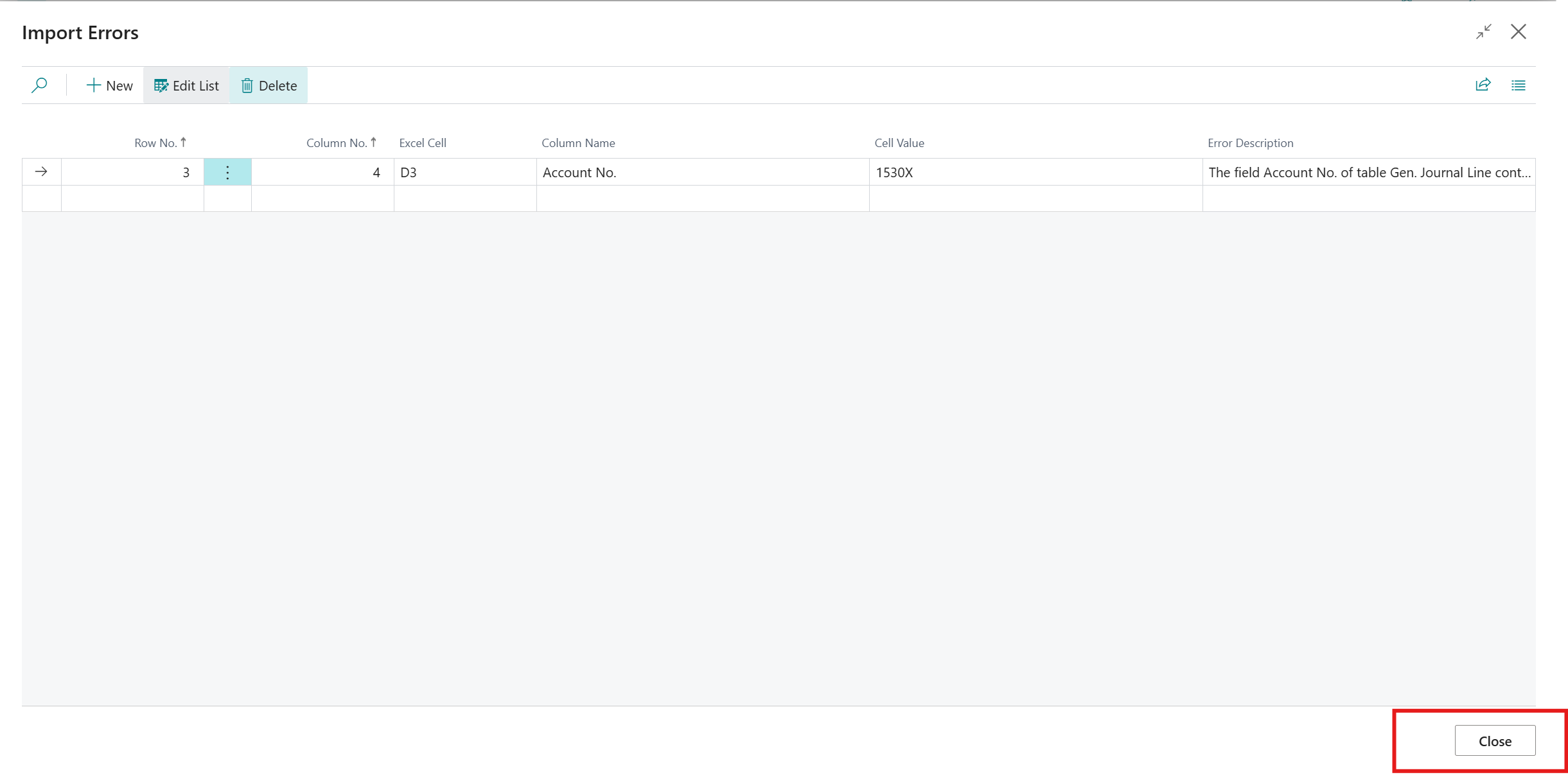
Users were experiencing locking issues when using Excel Import with Business Central version 27. If the import produced an error message, users were not able to close the Import Errors page. A user would need to refresh their web page or close and log back into Business Central.
Resolved the locking issue. Users will now be able to close the Import Errors page.
Was this article helpful?
That’s Great!
Thank you for your feedback
Sorry! We couldn't be helpful
Thank you for your feedback
Feedback sent
We appreciate your effort and will try to fix the article