Business Value
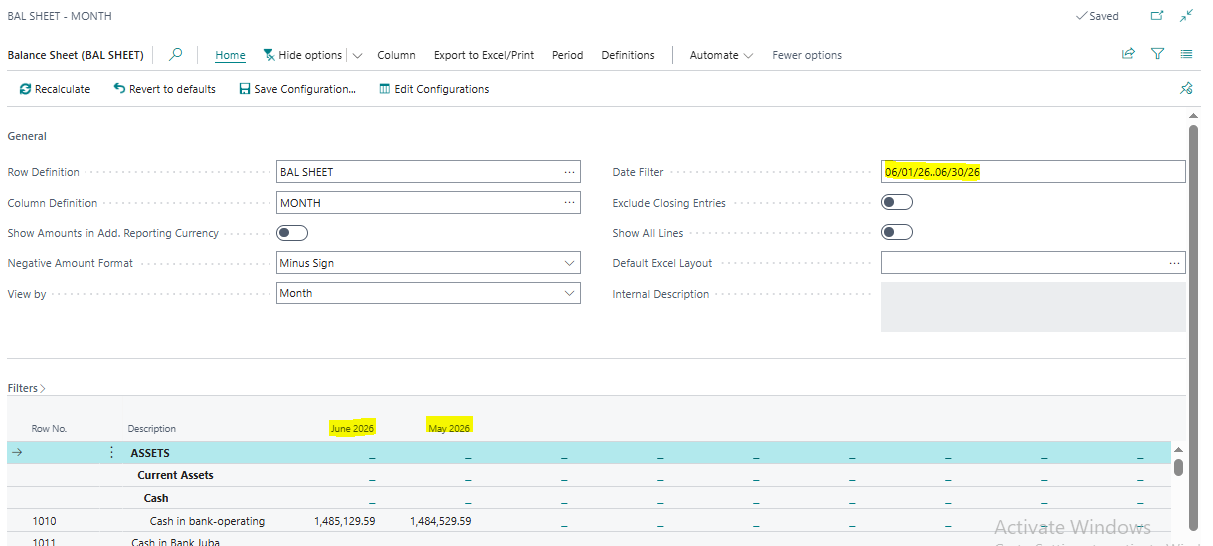
Report columns will display properly after changing the date range.
Feature Details
When viewing financial reports on the screen, the column names would not display correctly when changing the Date Filter on the report. This issue has been resolved and users will now see the correct column names displayed.
Was this article helpful?
That’s Great!
Thank you for your feedback
Sorry! We couldn't be helpful
Thank you for your feedback
Feedback sent
We appreciate your effort and will try to fix the article