Business Value
Resolved issue where wrong report would print when selecting Portrait mode in print settings.
Feature Details
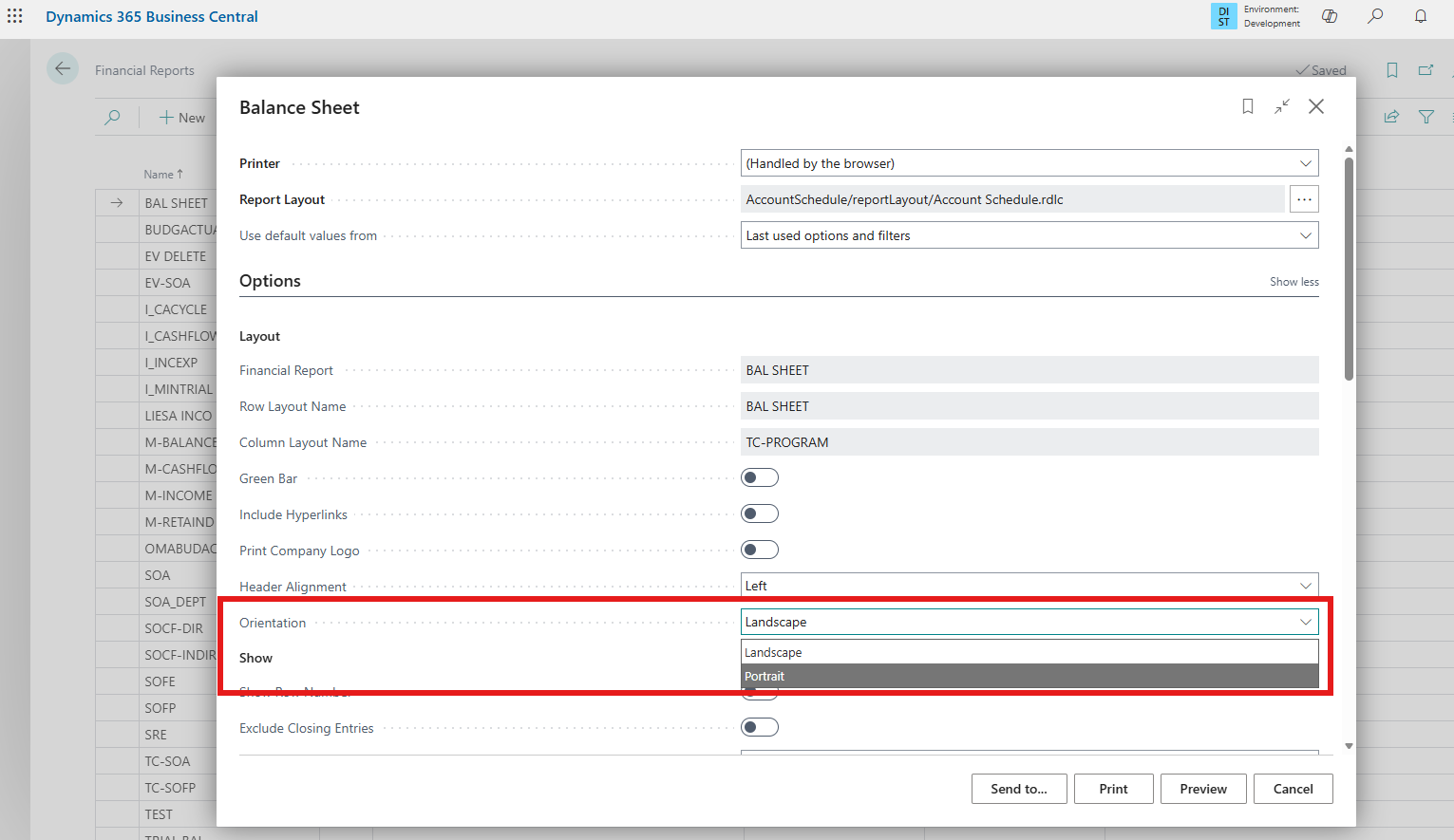
From Financial Reports page select the action Print >> Print. When changing Orientation to Portrait mode, the wrong report would print or users would receive an error message and nothing would print.
The correct report will now print in either Landscape or Portrait mode.
Was this article helpful?
That’s Great!
Thank you for your feedback
Sorry! We couldn't be helpful
Thank you for your feedback
Feedback sent
We appreciate your effort and will try to fix the article