Business Value
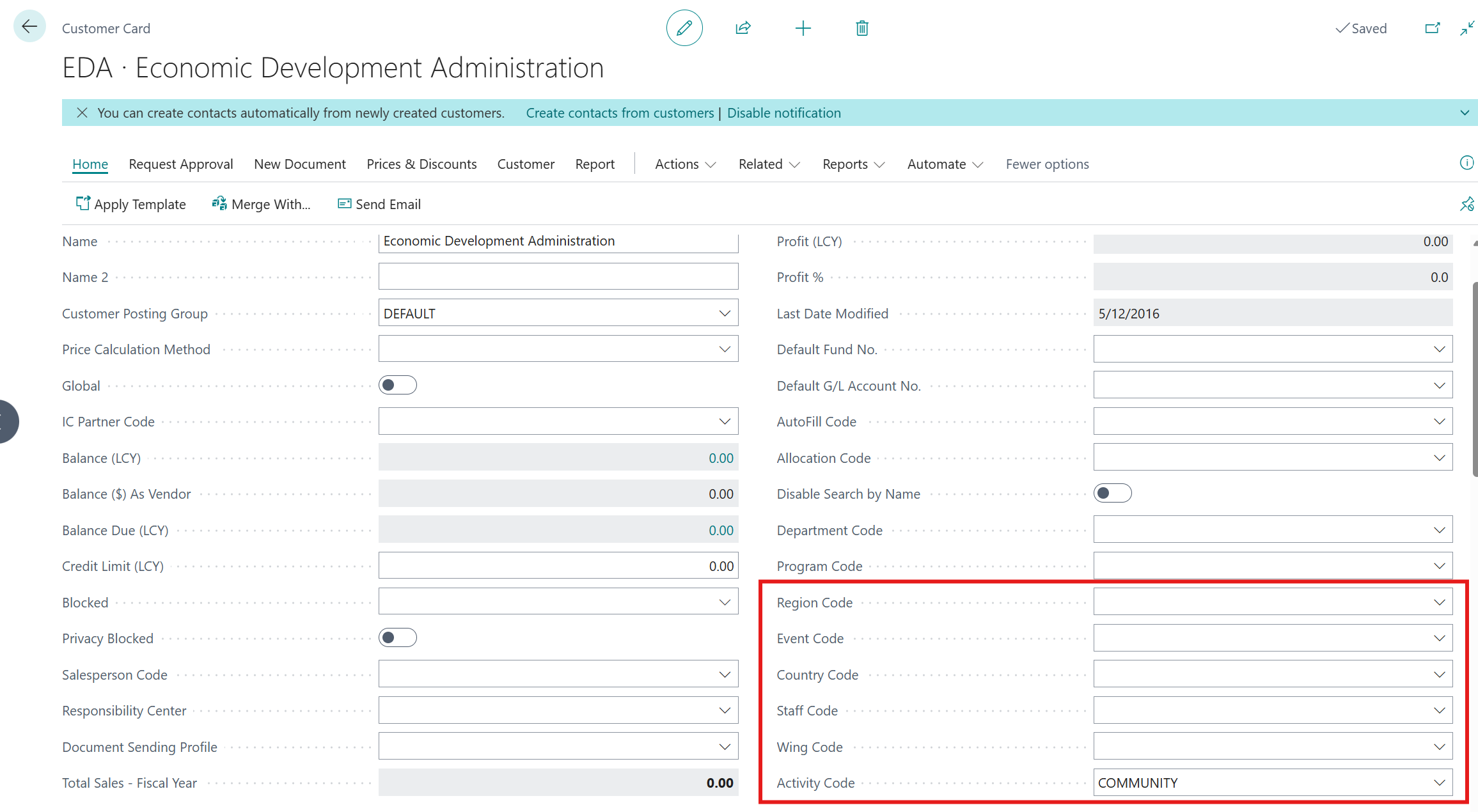
Users are now able to assign default dimension values on customer or vendors without receiving the error message "The changes to the Customer record cannot be saved because some information on the page is not up-to-date. Close the page, reopen it, and try again."
Feature Details
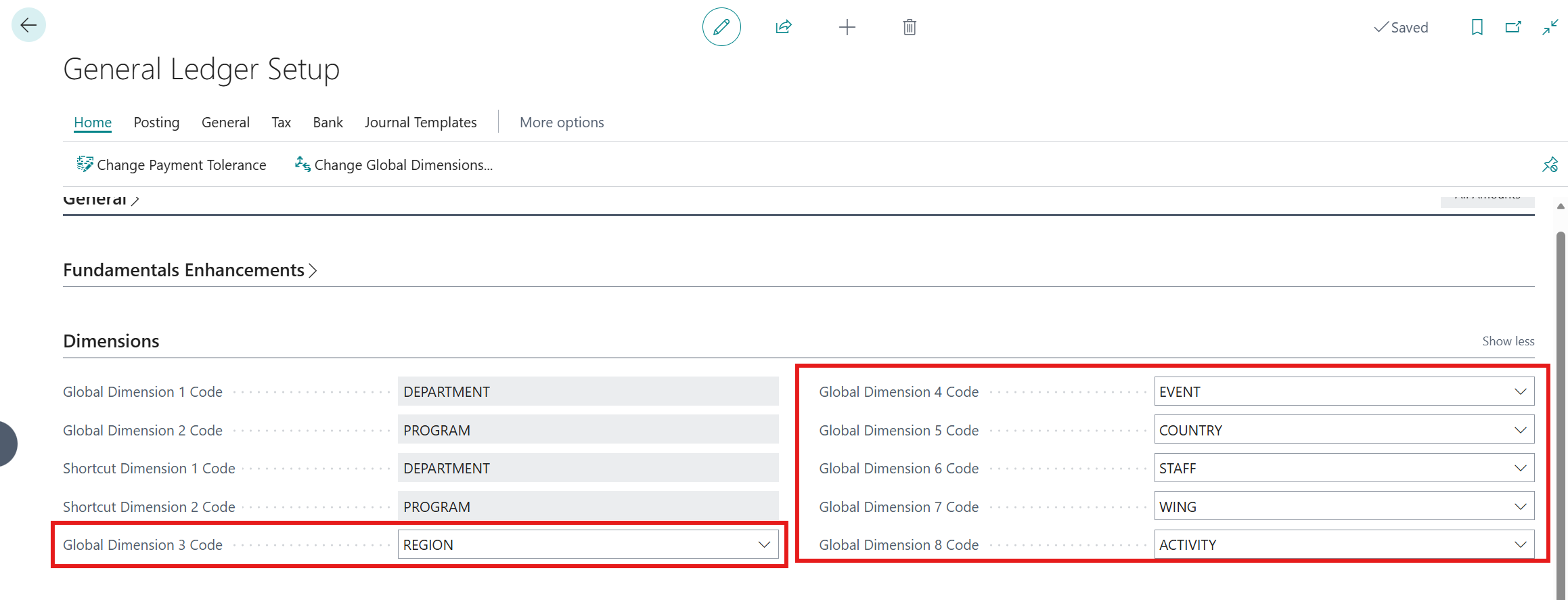
Resolved a code defect, where if the dimension setup for Global 3 - 8 was changed in the General Ledger Setup, users would get the error "The changes to the Customer (Vendor( record cannot be saved."
Users will no longer receive this error when assign a default dimension to the customer or vendor.
Was this article helpful?
That’s Great!
Thank you for your feedback
Sorry! We couldn't be helpful
Thank you for your feedback
Feedback sent
We appreciate your effort and will try to fix the article